Multimodal Masterclass: Universal Reference Guide
Deep dive into using the Universal Reference system with up to 12 files to precisely control camera work and character motion.
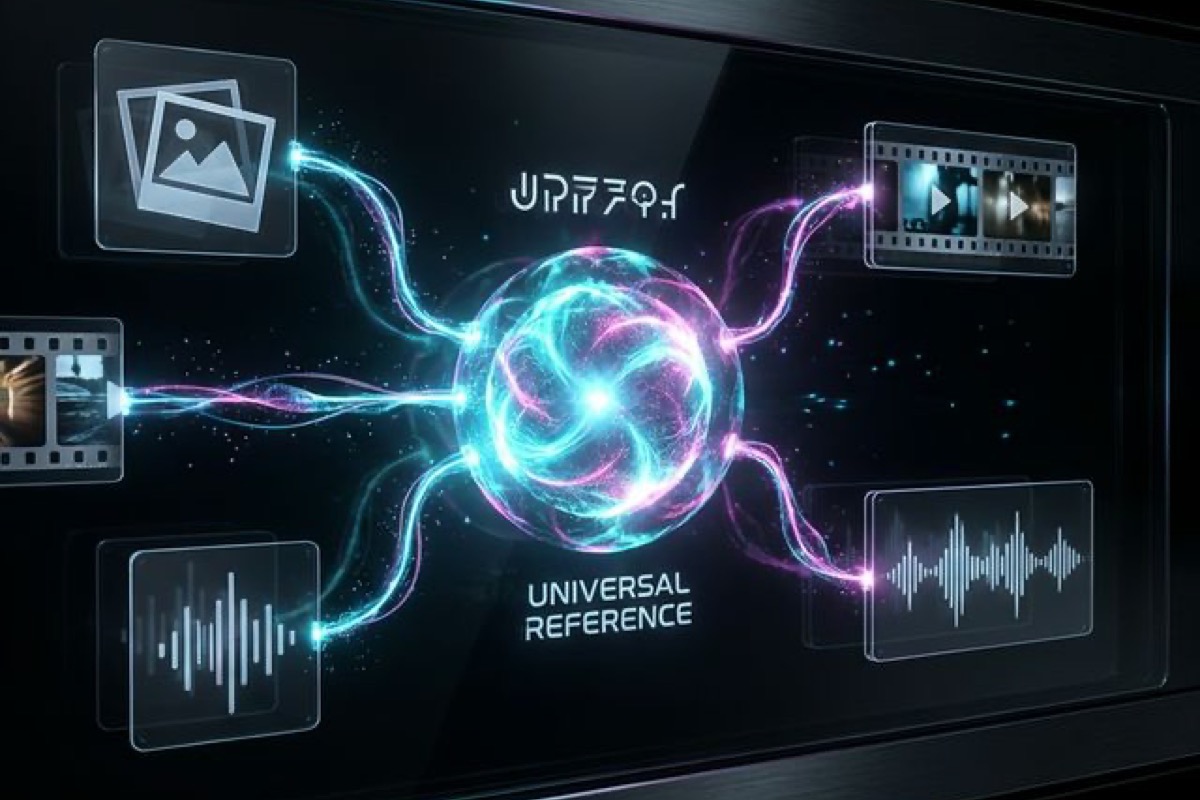
The core breakthrough of Seedance 2.0 lies in its Universal Reference system. No longer limited to simple text-to-video, it supports a "full-dimensional" input of text, images, videos, and audio.
1. Understanding the "12-File Limit"
In a single generation flow, you can combine:
- Up to 9 Images (defining visual style, characters, or first/last frames)
- Up to 3 Videos (specifying motion patterns and camera movement)
- Up to 3 Audio files (driving rhythm, ambient sound, or lip-sync)
The total number of files cannot exceed 12.
2. Core Syntax: Dynamic @Mention
In the prompt box, use the @ symbol to "tag" your assets just like tagging a friend on social media:
Example Prompt: "Use @Image1 as character reference, replicate the side-tracking camera movement from @Video1, with @Audio1 driving the bass rhythm."
3. Advanced Tactic: Cross-Modal Synergy
When you want to replicate complex motions, video references are far more effective than text.
- Motion Replication: Upload a video of yourself dancing and tag @Video1, then tell the AI: "A medieval woman in a dark green dress, mirroring @Video1's movements."
- Start/End Frame Control: Upload Image1 (start) and Image2 (end) to let the AI interpolate the seamless transition.
4. Best Practices
- Define Character Weight: When using multiple image references, ensure the primary character image is clear.
- Avoid Instruction Conflicts: If the text says "run fast" while the video shows "strolling," the output may suffer from distortions.
- Audio-Driven Dynamics: Seedance 2.0 can automatically adjust camera push/pull intensity based on audio amplitude.
Start combining your assets today and unlock true "director-level" creativity!
More Posts

Social Frontier: Viral AI Shorts with Grok & Seedance
Explore the 'Audio-Visual' era of social media. Learn how to combine Grok's real-time creative sparks with Seedance's professional cinematic control.

Seedance 2.0 Anime Fight Guide: Create Viral Sakuga Clips
Master Seedance 2.0 anime fight workflows from X & Reddit. Learn Sakuga camera hacks, impact frames, and motion references to create viral AI videos.

From Idea to Viral: 5 Seedance 2.0 Video Templates
Combining 2026's hottest short video trends with ready-to-use prompt combinations and logic.