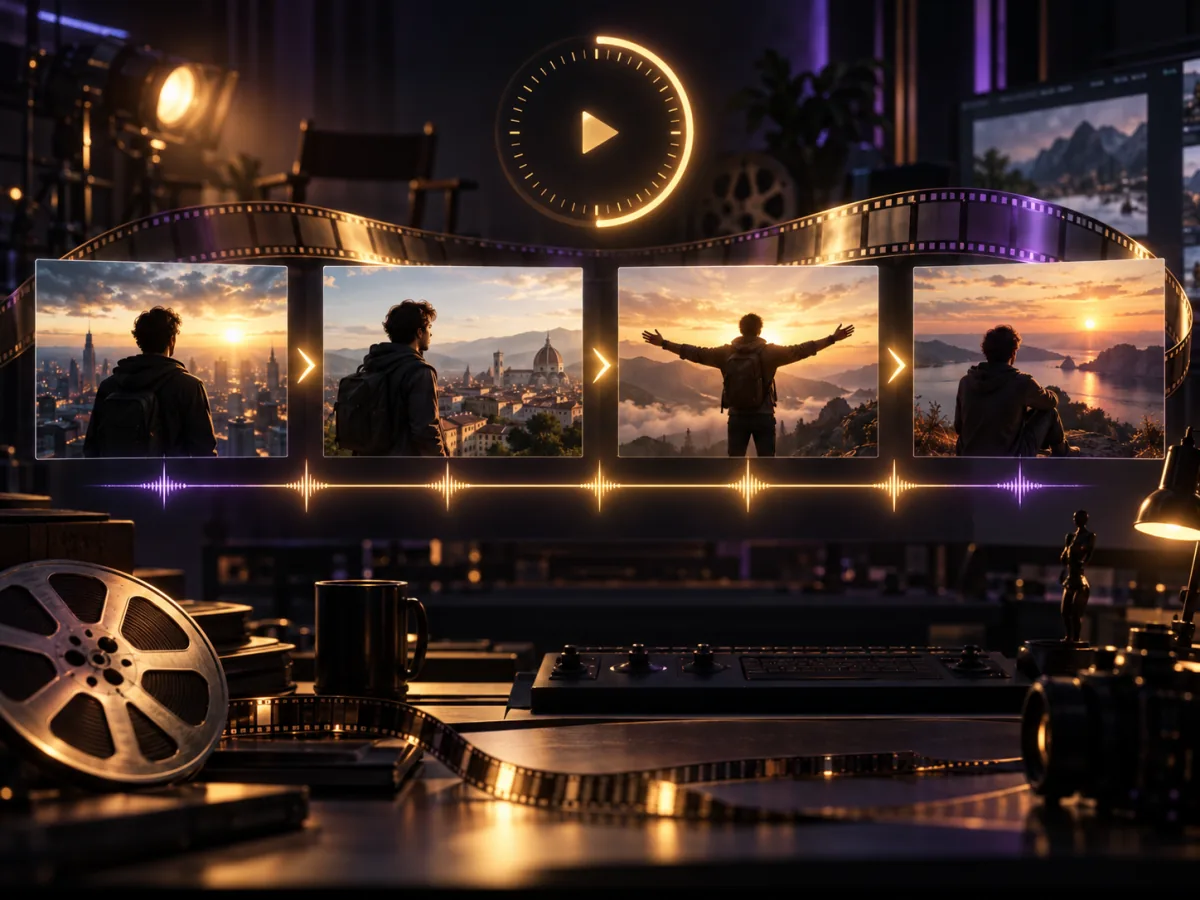
How to Make a 30-Second AI Video: Story Beats and Prompt Structure
Learn how to plan a 30-second AI video with timed story beats, camera direction, reference assets, and a reusable prompt template for coherent ads and short films.
The traditional AI video workflow is built around short clips. You generate several shots, choose the least broken versions, and stitch them together in an editor. Every new generation creates another chance for the character, product, lighting, or camera direction to change.
A 30-second AI video is valuable for a different reason: one prompt can now hold a complete narrative structure. A setup, development, turn, and resolution can happen inside one continuous audiovisual generation.
Seedance 2.5 supports up to 30 seconds in one generation and can organize multiple connected shots within that window. The prompt therefore needs to work less like a caption and more like a timed directing brief.
Why a 30-second AI video changes the workflow
A five-second clip usually communicates one action: a character turns, a product rotates, the camera pushes forward, or one visual transition occurs.
Thirty seconds can contain an entire event. A product ad can establish a problem, reveal the product, demonstrate the benefit, and finish on a clean closing beat without assembling several unrelated generations.
That can reduce common stitching problems:
- A character's face changes at the cut
- Product colors or geometry drift between shots
- Lighting and weather no longer match
- Music breaks at an edit point
- Camera movement reverses without motivation
Longer duration is not automatic storytelling, however. A 30-second prompt with no timing often produces a long moving image rather than a scene with direction.
A practical four-part structure for 30 seconds
Divide the story into four time ranges before writing character, action, and camera details.
0–4 seconds: create the hook
The opening has one job: earn attention. Start with a strong action, sound, or visual contrast instead of explaining the backstory.
0–4s: Extreme close-up of a coffee cup about to overflow. The desk begins to vibrate as a low ambient sound rises.
4–12 seconds: establish the situation
Introduce the character, product, or problem while keeping the camera direction simple.
4–12s: The camera slowly pulls back to reveal a designer searching for a file at a chaotic desk while rain falls outside.
12–22 seconds: deliver the central change
Use the longest section for the reveal, transformation, or character decision.
12–22s: The designer touches a desktop device. Files organize themselves as the lighting shifts from cold blue to warm gold.
22–30 seconds: resolve the action
Do not introduce a new subplot in the final seconds. Complete the movement and create room for the final image or emotion.
22–30s: The camera arcs behind the character. The studio is calm, the product rests at the center of frame, and the music resolves.
Reusable 30-second prompt template
Overall direction:
Cinematic realistic commercial, consistent warm palette, stable character
and product appearance, natural motion, synchronized audio and action.

0–4 seconds:
[visual hook, opening action, opening sound]

4–12 seconds:
[establish location, character state, camera movement]

12–22 seconds:
[main event, product reveal, or narrative turn]

22–30 seconds:
[result, emotional resolution, closing frame]

Reference instructions:
Use @Image1 to lock the character identity.
Use @Image2 and @Image3 to preserve product geometry.
Follow only the camera movement from @Video1.
Use @Audio1 to guide pacing.
You can also start with a shot from our AI video prompt library and convert it into this timeline format.
Thirty seconds is a ceiling, not a target
A product orbit, subtle expression, or single movement does not become better just because it lasts longer. If the idea resolves in eight seconds, let it finish in eight seconds.
A 30-second AI video is most useful for:
- Brand ads with a beginning, change, and payoff
- Continuous character performances
- Problem-to-solution product demonstrations
- Music visuals with several rhythmic changes
- Narrative shorts that move between environments
For a story longer than 30 seconds, finish the first narrative unit before using video extension for the next scene. A clean ending creates a much better handoff than an unfinished first clip.
Five checks before you generate
- Does the first four seconds contain a clear visual hook?
- Does each time range have only one main narrative job?
- Do the character, product, and environment references agree?
- Can the camera moves connect naturally?
- Do the final five seconds resolve the action or emotion?
Once those answers are clear, create the first version on the video generator. Planning once is usually cheaper than repeatedly regenerating an unfocused brief.
Frequently asked questions
Is a 30-second AI video always better than a short clip?
No. Duration should serve the idea. A product close-up or single gesture is often stronger when it stays concise.
Can the video continue after 30 seconds?
Yes. Seedance 2.5 supports video extension. Give the first clip a clear visual, motion, and audio handoff before continuing it.
How can I reduce character drift in a longer generation?
Use consistent character references, avoid sudden lighting and shot-scale changes, and do not overload the character with several complex actions at once.
Final takeaway
The key to a 30-second AI video is not writing more adjectives. It is scheduling time, action, and camera intent before generation.
Write the timeline first, prepare the references second, and add style language last. That produces a directed scene instead of a short idea stretched across a longer canvas.
Source: ByteDance Seed technical blog
Categories
More Posts

E-commerce Video Explosion: 'Shop-Ready' Shorts
Learn how to transform static product images into high-conversion commercial videos using Seedance's specialized e-commerce rendering engine.

Social Frontier: Viral AI Shorts with Grok & Seedance
Explore the 'Audio-Visual' era of social media. Learn how to combine Grok's real-time creative sparks with Seedance's professional cinematic control.

How to Choose AI Video Reference Assets: A Multimodal Guide
Learn how to organize AI video reference assets across character images, product shots, motion videos, audio, and 3D blockouts without creating conflicting instructions.